DUCO HOME

DUCO HOME
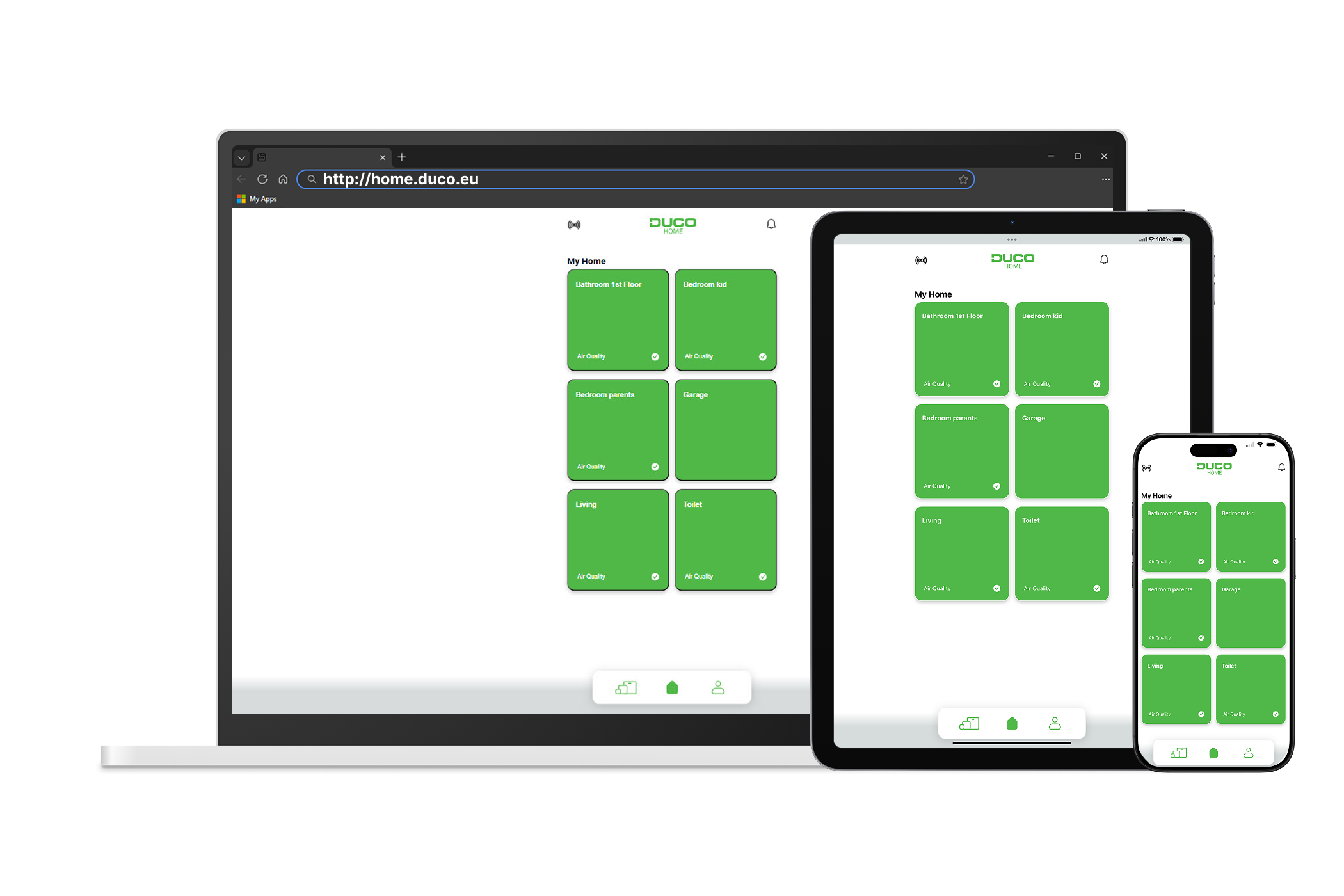
Web application for residents to monitor and adjust ventilation remotely
Simple, clear and always up to date: that is what DUCO HOME stands for.
This web application gives residents convenient remote access to monitor and adjust the indoor climate as needed.
Via DUCO HOME, you can:
→ Link DUCO devices to an account.
→ Tailor the configuration of your ventilation system to your home.
→ Add family members to your account.
→ View the current status
→ Adjust the system with visual controls.
→ Receive notifications (for example, if you need to replace the filters).
How to install
- Check whether your DucoBox is equipped with a Connectivity Board; see the DUCO User Guide for more information. Contact your installer to install a Connectivity Board.
- Connect your Connectivity Board to the internet. Follow the step-by-step instructional video down below.
- Go to DUCO HOME via your web browser. Access the full application directly in your browser.
- Install the app on your home screen from any device - smartphone, tablet or PC (Windows/Mac). See our user guide for platform-specific instructions
Requirements for use
In order to use DUCO HOME, a Duco Connectivity Board with internet access is required. The connection to your device is established via an encrypted connection to the DucoCloud.
Contact your installer for a Connectivity Board.
DUCO HOME works with the following DucoBox models:
| Model | Version | Connectivity Board 1.0 | Connectivity Board 2.0 |
|---|---|---|---|
| DucoBox Silent Connect | EU / UK | Yes | Yes |
| DucoBox Focus | EU / UK | Yes | Yes |
| DucoBox Energy Sky | EU / UK | No | Yes |
| DucoBox Energy Comfort (Plus) | EU / UK | Yes | Yes |
| DucoBox Energy Premium | EU / UK | Yes | Yes |
We're constantly adding support for more devices and expanding functionality through regulcar updates.
Register now on DUCO HOME
Create a free account at home.duco.eu
More documentation
For detailed istructions on using DUCO HOME, see the online user manual: DUCO User Guide.
Install DUCO HOME on your device
DUCO HOME is a progressive web app that you can install for quick access from your home screen.
iPhone/iPad
- Go to home.duco.eu
- Tap the share icon (□↑) at the bottom
- Scroll down and choose "Add to Home Screen"
- Confirm and you're done!
Android
- Go to home.duco.eu
- Tap the three dots (⋮) at the top
- Choose "Add to homescreen" or "Install"
- Select "Install" to use as a webapp
Windows (Edge)
- Go to home.duco.eu
- Click the app icon (⊞+) in the address bar
- Choose your preferences and confirm
Full instructions will follow soon in the user manual.