When you choose DUCO, you can count on 100% Belgian quality. We continuously develop to offer you the best products and solutions. You can therefore expect a worry-free warranty period.
Warranty

Unfortunately, does anything go wrong? On this page you will find all information about DUCO warranty.
Warranty terms & conditions
Warranty periods and associated conditions differ according to the product category. Download warranty statements for all products within the DUCO range below.
 |
 |
 |
 |

 |
 |
 |
Extend the warranty period of a DucoBox ventilation system
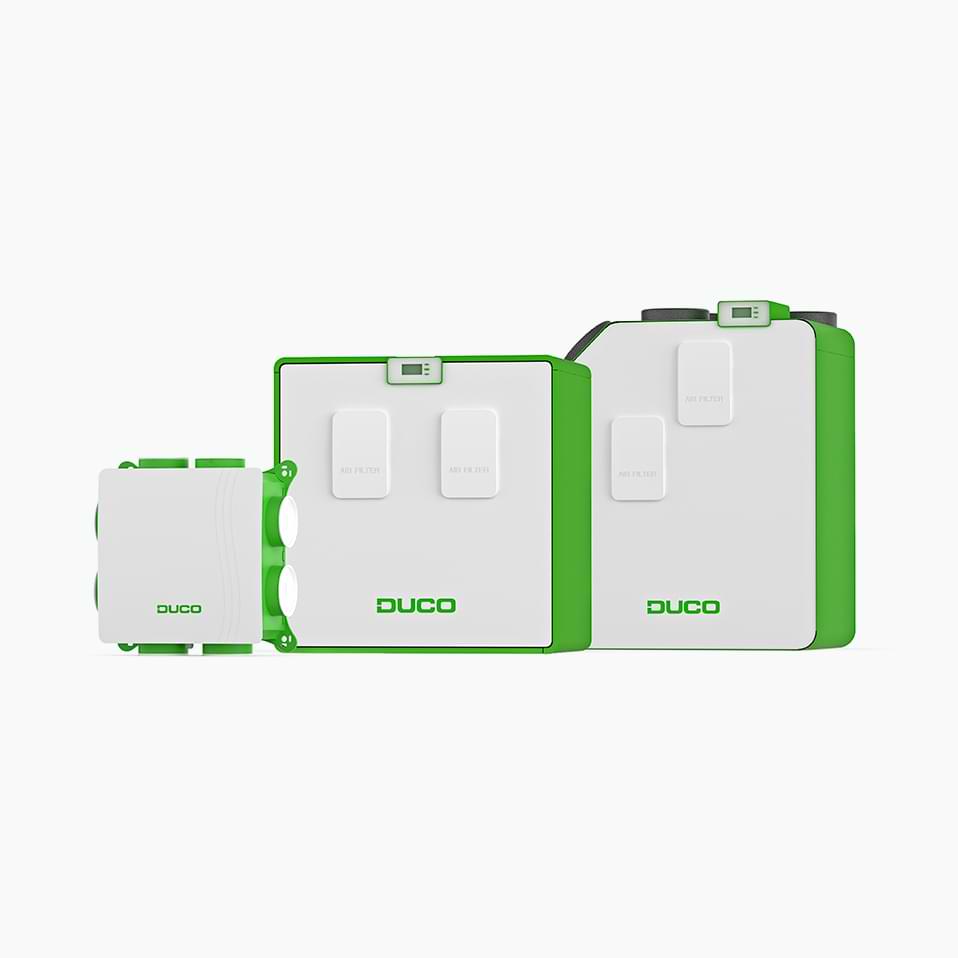
As standard, you receive 2.5 years of manufacturer's warranty on a . register your DucoBox and receive an additional 2.5 years!*
*read the warranty conditions above
Where can you register the DucoBox?
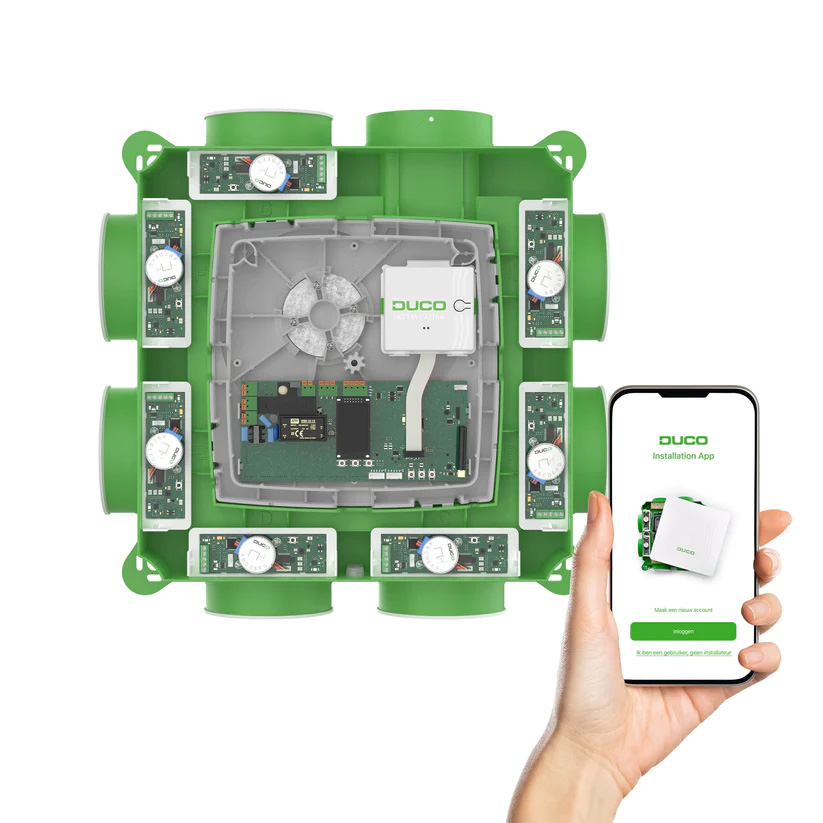
Installation via the Duco Installation App
Do you use the Duco Installation App when installing DUCO ventilation systems? After successful calibration via the app the DucoBox is automatically also registered.
Registration via the Installer Service tool
Tool for installers and service technicians for checking and maintaining a DucoBox. With this tool, you can read a DUCO device during an intervention, and it helps you save all information on the online installer portal.
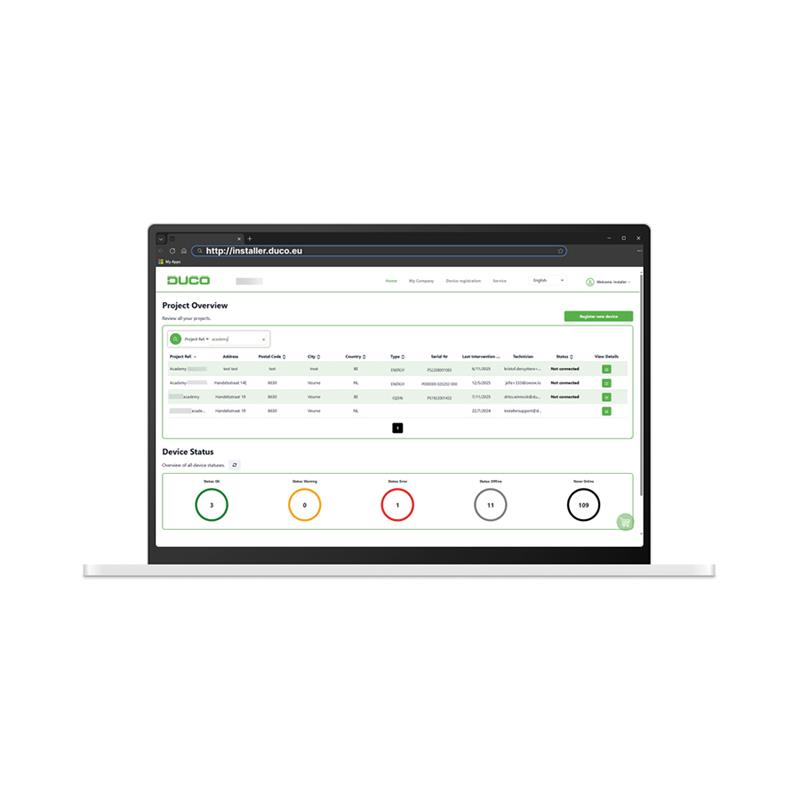
Register online on the Installer Portal
The Installer Portal consolidates the installations of all employees and provides an overview of the commissioning, (service)documents and photographs.
The Duco Installation app, Installer Service Tool and Installer Portal all use the same login. Register the DucoBox here for 2.5 years of additional warranty!*
How do you claim warranty?
Professional customers, such as dealers and , can contact the DUCO Service. Create a file in the Installer Portal for an intervention or return request.
As an end customer, how do you claim warranty?
In case of problems, contact the wholesaler or your installer. They purchased the product from DUCO and, as a DUCO customer, can therefore invoke the warranty terms and submit a service request for you.